



Overview
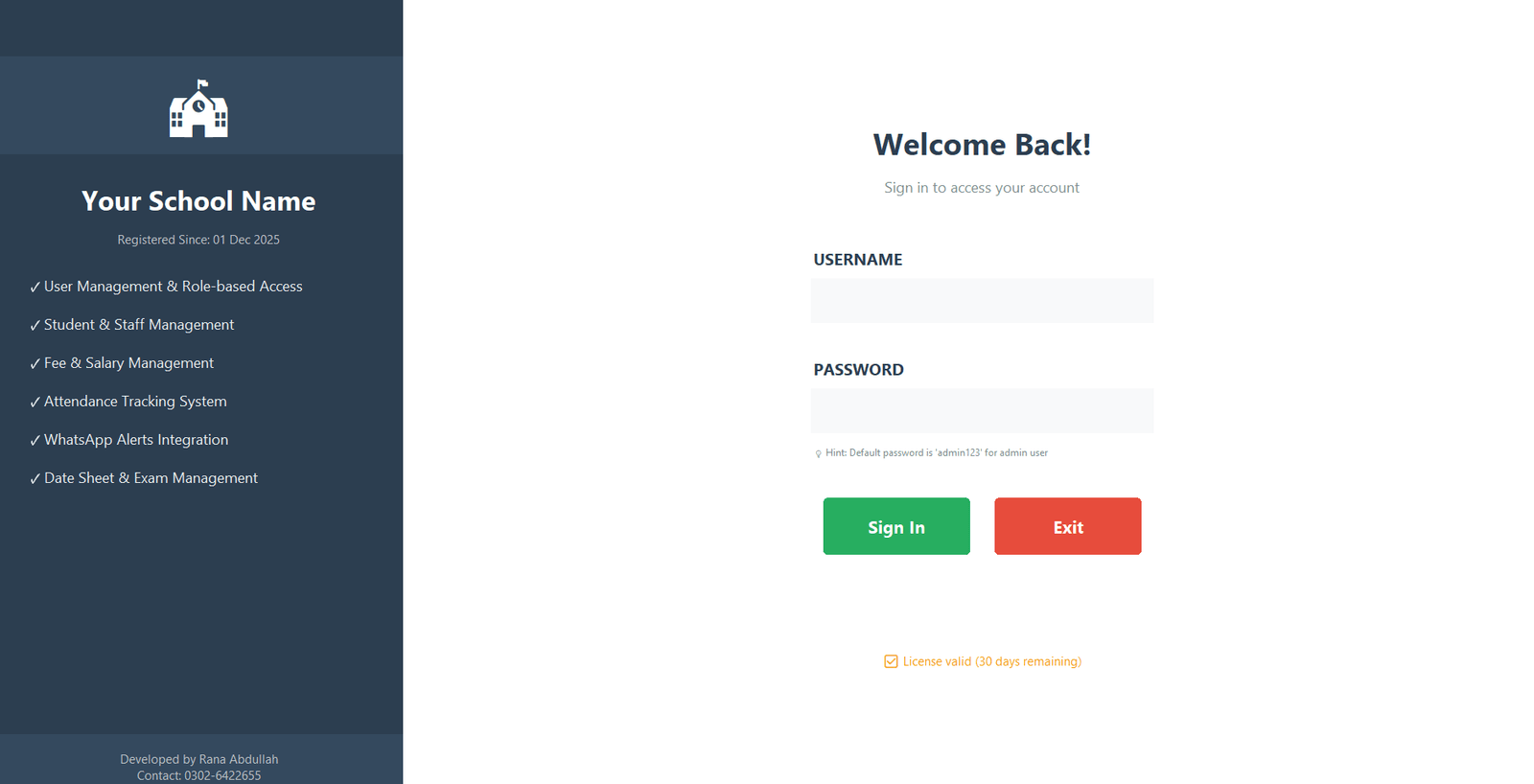
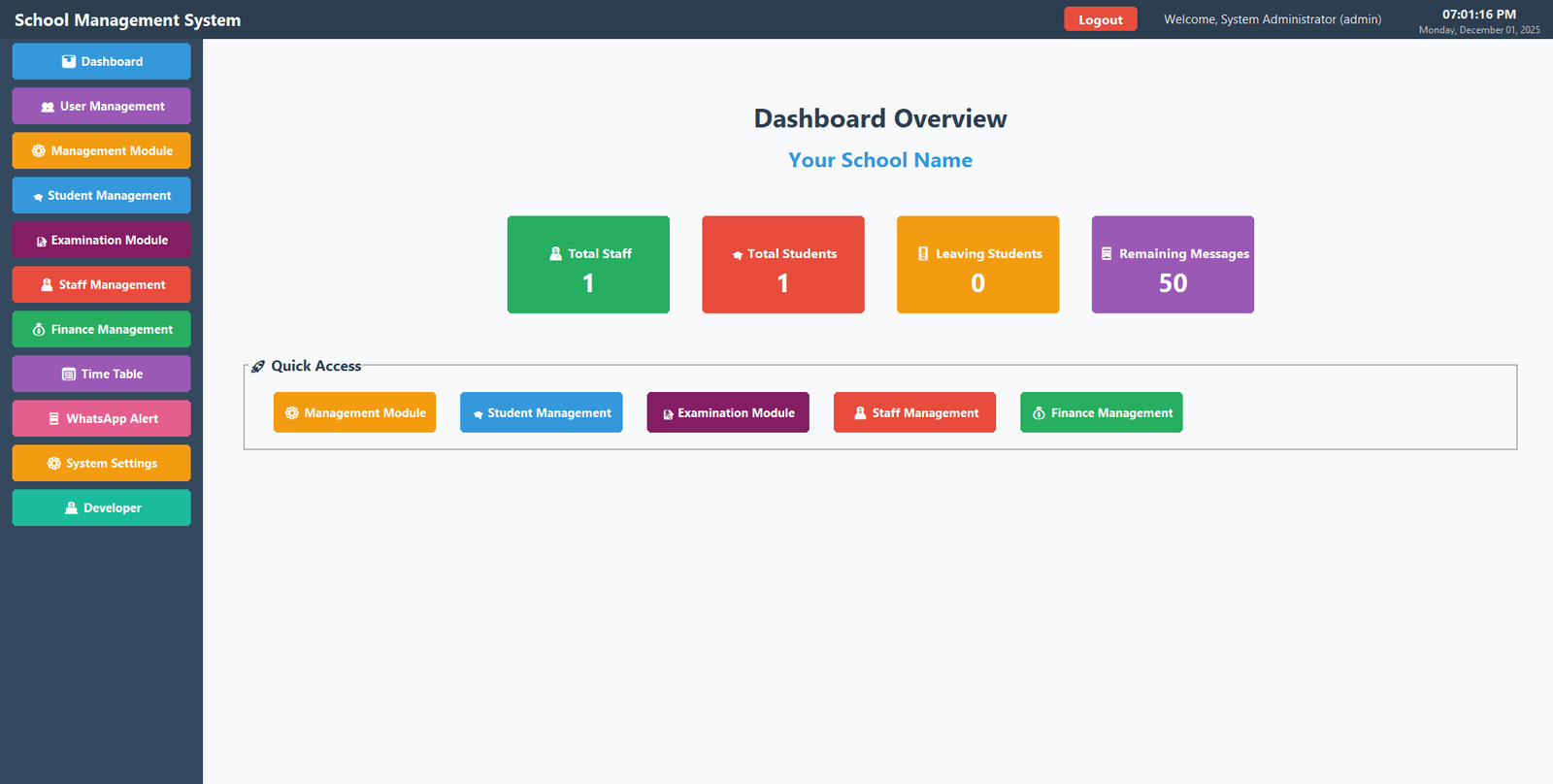
Our School Management System is an all-in-one platform designed to simplify daily academic and administrative tasks. It offers powerful modules for managing students, staff, fees, exams, finance, and communication. With integrated ID card generation, attendance tracking, salary management, and WhatsApp messaging, the system ensures smooth operations and improved efficiency for schools of all sizes.
Key Features:
- User Management
- Student Management
- Student Attendance Management
- Student Fee Management
- Student ID Card Generation
- Datesheet, Roll No & Certificates
- Exam, Grade, and Result Management
- Staff Management
- Staff ID Card
- Staff Attendance
- Staff Salary Management
- Generate Reports
- Overall Datesheet and Teacher Wise Datesheet
- Finance Management
- WhatsApp Integration
- Admission Confirmation Message
- Attendance Message
- Fee Voucher Generation Message
- Fee Payment Message
- Defaulter Fee Message
- Result Alert Message
- Overall Announcement
Screen Shots


Life Time Subscription
School Management System for a lifetime subscription, exclusively for Pakistani customers, for just 80,000/-Rupees. Get 50% off till 28-02-2026
System Requirements
- Windows 10/11 (recommended)
- .NET Framework 4.5 or higher
- 500MB free disk space
- 2GB RAM minimum
About This App
Version: 2.0.0
Updated on: 01-Dec-2025
Released on: 01-Dec-2025
Download Size: 120 MB
Offered by: Education Insider
What’s New
Import Export Functionality has been added in different modules.

Installation
- Extract all files to a folder
- Run SchoolManagementSystem.exe
- Use default login:
- Username: admin
- Password: admin123
- Install the WhatsApp Desktop Application Version to send WhatsApp messages
Demo Version License
- Demo Version License will be applicable for 30 days.
- 50 WhatsApp Messages for Test Purpose.
- After 30 by Software will disable the login details buttons.
- To Buy License Contact Support
Software Update Procedure
- Download Software Demo File
- Just replace “School Management System.exe” file in your software.
Support
Contact: 0302-6422655
Developer: Rana Abdullah Sarwar
Prevent WhatsApp Number Blocking/Banning
WhatsApp has certain policies in place to maintain the security and privacy of its users, and if you violate any of these policies, your account may be blocked or banned.
Here are some tips to prevent WhatsApp number blocking/banning:
1. Don’t use an HTTP URL link: If you send a message with a web link, then you must try to send a https web link.
2. Don’t Send an Image Without a Message: If you send an Image or any media file must put some message text in the message body.
3. Don’t send spam messages: WhatsApp has strict policies against spam messages, so make sure you don’t send any unsolicited messages or spammy content. This includes sending messages to people who have not given you permission to contact them.
4. Don’t use offensive language: WhatsApp prohibits the use of offensive language or hate speech, so make sure you use appropriate language when communicating with others on the app.
5. Don’t send too many messages at once: Sending too many messages at once can be considered spam and may result in your account being blocked or banned.
6. Use a verified phone number: Use a phone number that is verified and associated with your name. Avoid using a fake or temporary phone number as this may lead to your account being blocked or banned.
7. Don’t share illegal content: Sharing illegal content such as pirated software or copyrighted material can result in your account being blocked or banned.
8. Don’t create multiple accounts: WhatsApp prohibits the creation of multiple accounts, so make sure you only use one account per phone number.
By following these tips, you can avoid having your WhatsApp number blocked or banned. If you do get blocked or banned, you can contact WhatsApp support team to try and resolve the issue.